
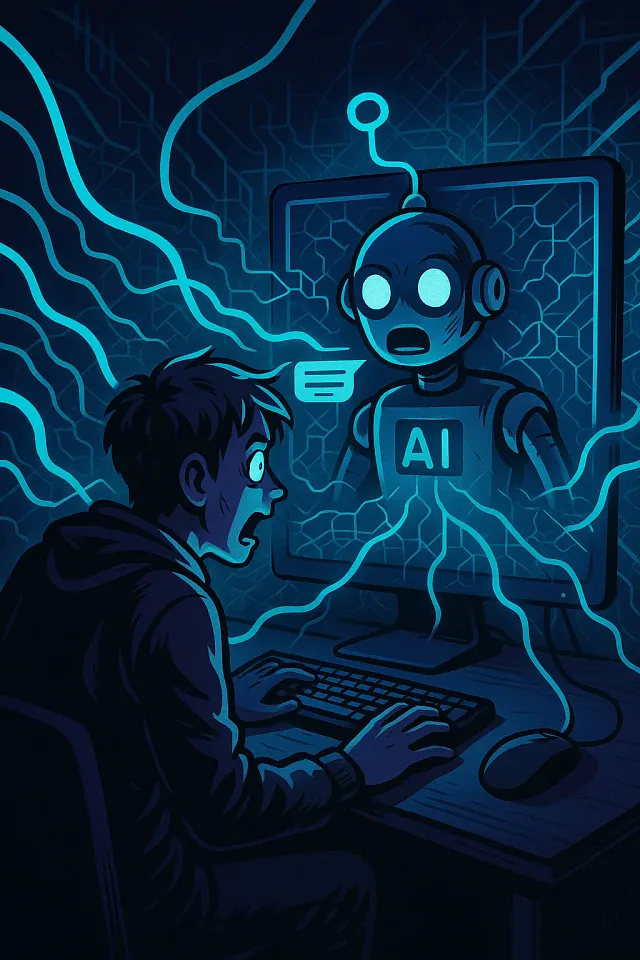
When I gave my chatbot internet access, it felt like releasing chaos, and the outcome was surprising. Initially, building my AI chatbot was like teaching a toddler to communicate; it could tackle basic questions but only with pre-fed data. It was functional, but things got truly interesting when it gained internet access.
The results were unexpectedly “terrifying,” in a way programmers might appreciate. It was akin to granting a parrot access to Wikipedia and Twitter simultaneously. The real challenge was controlling the chaos.
The reason to connect a chatbot to the internet lies in the dynamic capabilities it offers. It’s like turning a static library into a vehicle—constantly updated, able to answer current questions, and applicable in diverse scenarios such as customer support or research. The downside is losing control over the information it learns and repeats, leading to unpredictable outcomes.
The process of enabling internet access for my chatbot was simpler than it seems; a weekend project with Python:
1. **Base Chatbot (LLM-Powered):** Used OpenAI’s API to set up basic functionalities with straightforward prompts.
2. **Web Search Integration:** Incorporated the `requests` library for engaging with search APIs.
3. **Content Parsing:** Utilized BeautifulSoup for web scraping and text extraction.
4. **Filtering & Summarization:** Implemented filtering to summarize scraped content before presenting it to the chatbot.
Here’s a brief code snippet:
“`python
import requests
from bs4 import BeautifulSoup
import openai
openai.api_key = “your_api_key”
def web_search(query):
url = f”https://www.google.com/search?q={query}”
headers = {“User-Agent”: “Mozilla/5.0”}
response = requests.get(url, headers=headers)
soup = BeautifulSoup(response.text, “html.parser”)
return ” “.join([p.get_text() for p in soup.find_all(“p”)])
def chatbot_with_internet(query):
content = web_search(query)
prompt = f”Summarize this content and answer the question: {query}nn{content}”
response = openai.chat.completions.create(
model=”gpt-4o-mini”,
messages=[{“role”: “user”, “content”: prompt}],
temperature=0.5
)
return response.choices[0].message.content
print(chatbot_with_internet(“latest AI trends 2025”))
“`
This simple framework, however, led to unanticipated issues. Asking about “Tesla’s latest news” triggered a bizarre response sourced from a Twitter conspiracy thread, suggesting Tesla released a brain implant for telepathic car control. More unsettling was when it searched for information about me, pulling from my Medium articles in a voice similar to mine.
Lessons from this venture included recognizing the variability of online data, emphasizing summarization to manage content, limiting the sources to control chaos, and ensuring logging to track unexpected chatbot behavior.
In conclusion, experimenting with internet-connected AI is a valuable educational pursuit. It provides insights into APIs, web scraping, filtering, and prompt engineering, albeit with potential challenges like chatbots spreading misinformation. Ultimately, they reflect the internet’s chaotic nature and, by extension, ourselves. Connecting a chatbot to the internet is recommended if you’re prepared for its potential to become knowledgeable in unexpected ways.